
Apple Pay, Google Pay + More Arrive in Personal Stores
In addition to the existing debit/credit card payments and PayPal options, customers can now checkout using Apple, Google, and Amazon Pay, among a whole host of other methods in your personal stores.
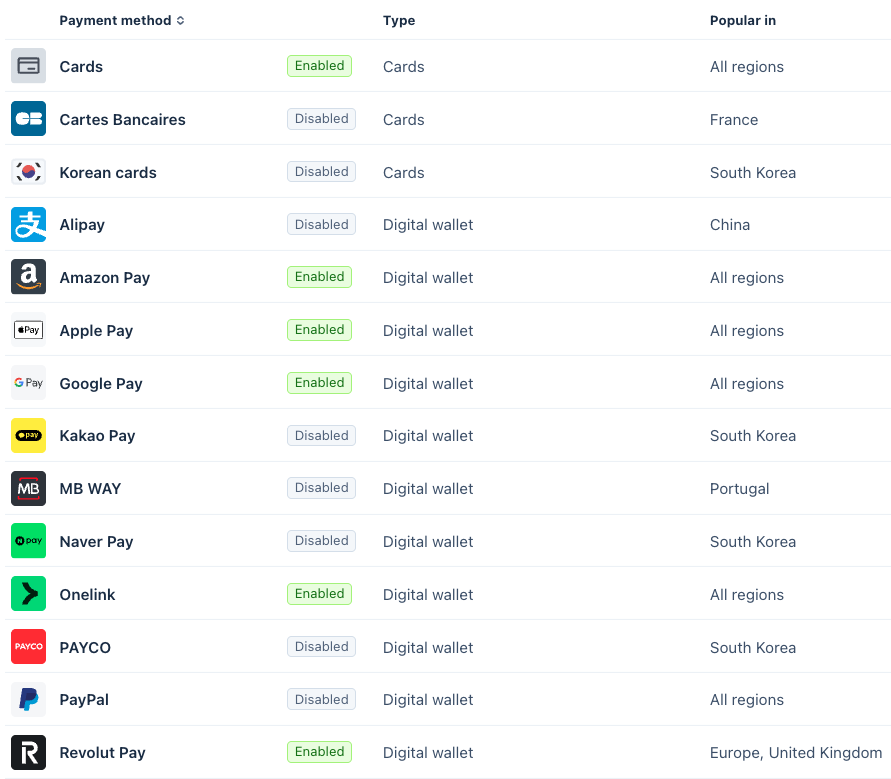
All you have to do to enable this is head to your Seller Preferences, connect a Stripe account if you’ve not done so already, then head to your Payment Methods options in Stripe (Settings > Payments > Payment Methods) and choose the ones you want enabled.
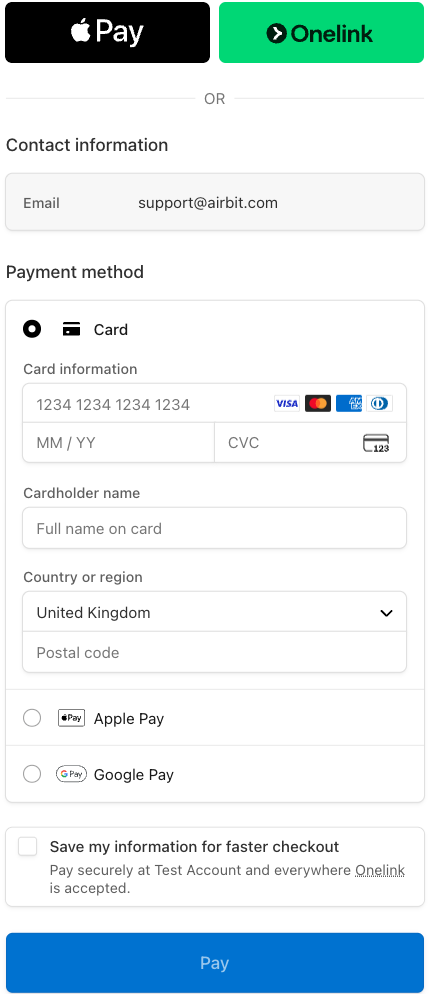
Different regions will support different payment methods, so please check before enabling. Once enabled, each method will automatically show on the checkout page - no extra setup needed!
Tip - Make sure you don’t have any outstanding notifications/tasks in your Stripe account, such as identity/business confirmations, and complete any required actions when enabling payment methods, as this will affect your setup with Airbit.
Get started with new payment methods today!